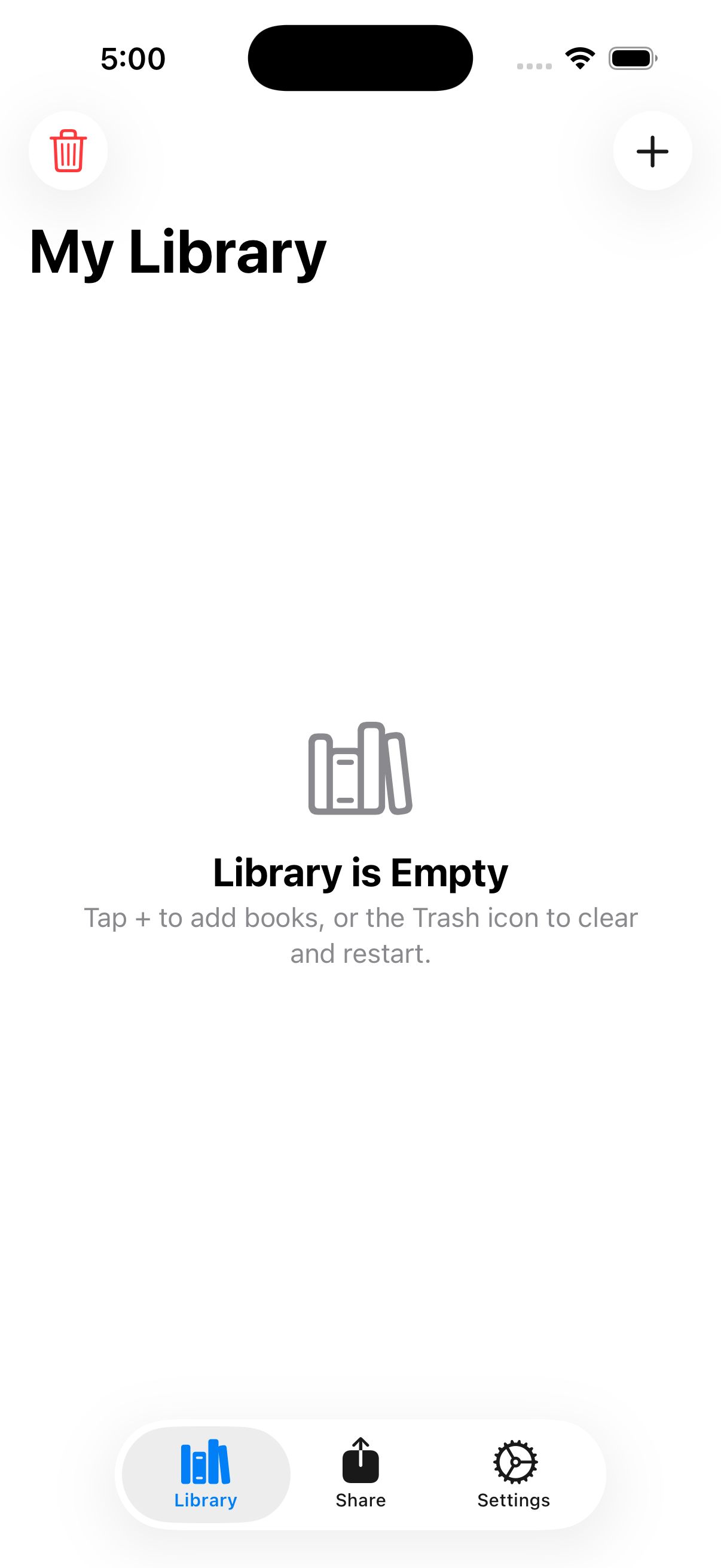
Stop typing out titles and losing track of your catalog. My Library Helper makes managing community book exchanges, tiny neighborhood libraries, and home bookshelves effortless. Scan the barcode, auto-populate info, and share!
Simple tools that solve library tracking problems natively and quickly.
Point your iPhone camera at the barcode on the back of any book. High-speed, native barcode decoding extracts the ISBN number instantly without delays.
Automatically pulls titles, authors, and cover page designs via online book indexing API. No manual typing required to build out a clean, readable book database.
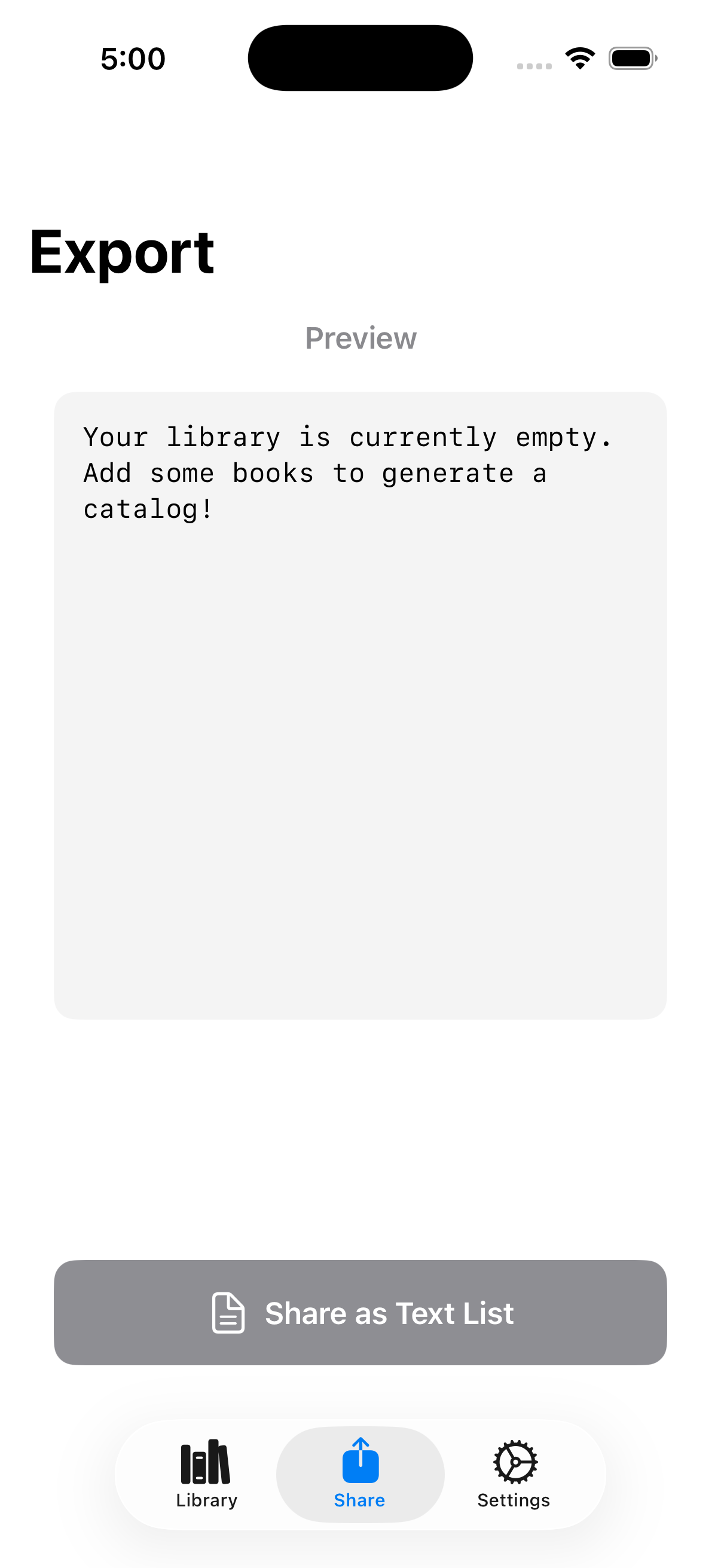
Export your community book lists formatted as structured text. Easily post updates to local groups, SMS, Slack, Facebook groups, or print out physical catalog lists.
Built using Apple's new native local storage architecture. All books remain stored securely on-device with zero loading delays and absolute offline support.
Everything you need to know about My Library Helper for iOS.
When you scan a barcode, the app extracts the standard 10- or 13-digit ISBN number. It queries open book database APIs to fetch matching titles, authors, and cover image paths automatically.
Yes. Book catalogs are cached locally on your device using SwiftData. You can browse, edit, and share catalog details completely offline. An internet connection is only needed when scanning new books to query API metadata.
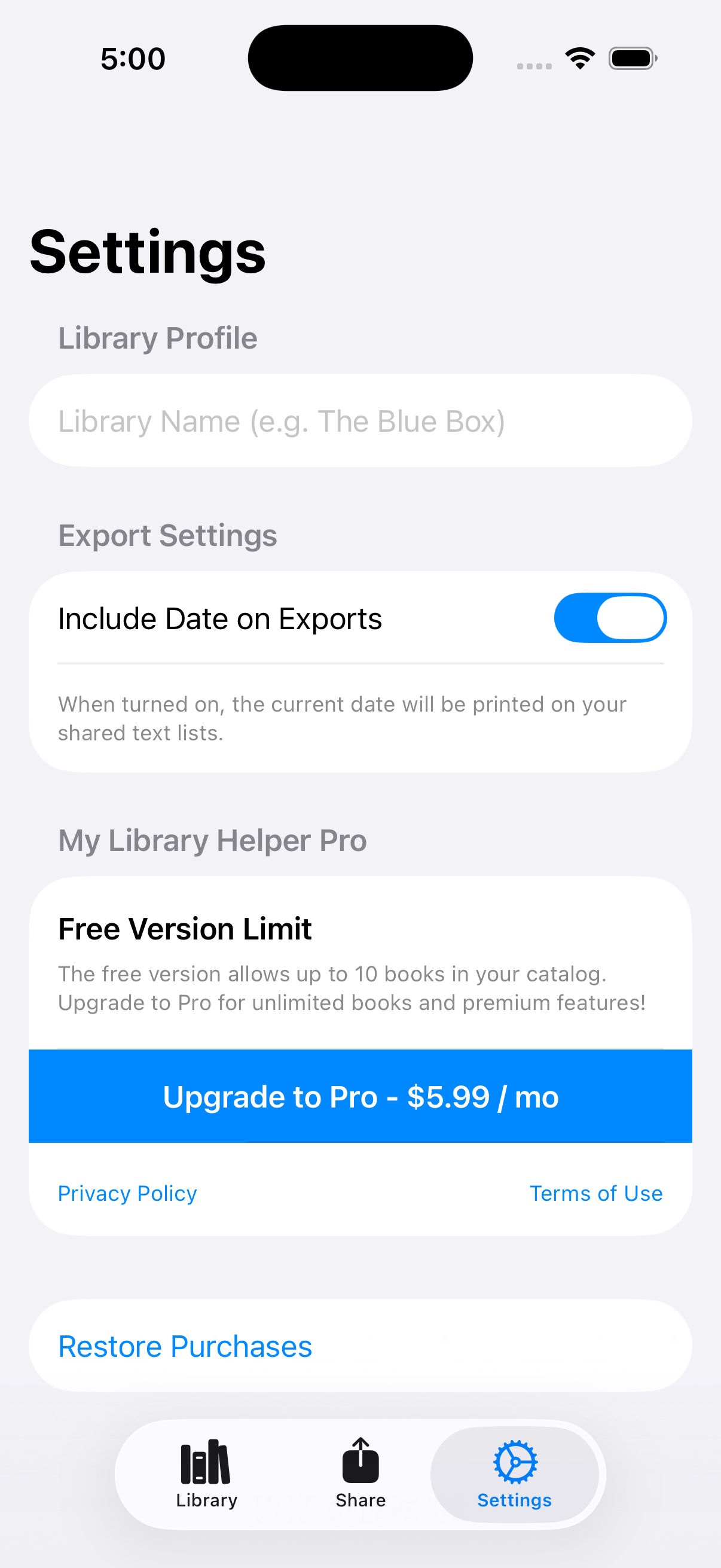
Yes. The app is free to download and scan books on the Apple App Store. A Pro Version is available to access additional sharing utilities and advanced styling configurations.
You can email our customer support team directly at info@jandsstudio.net. We value your feedback and release updates regularly!